

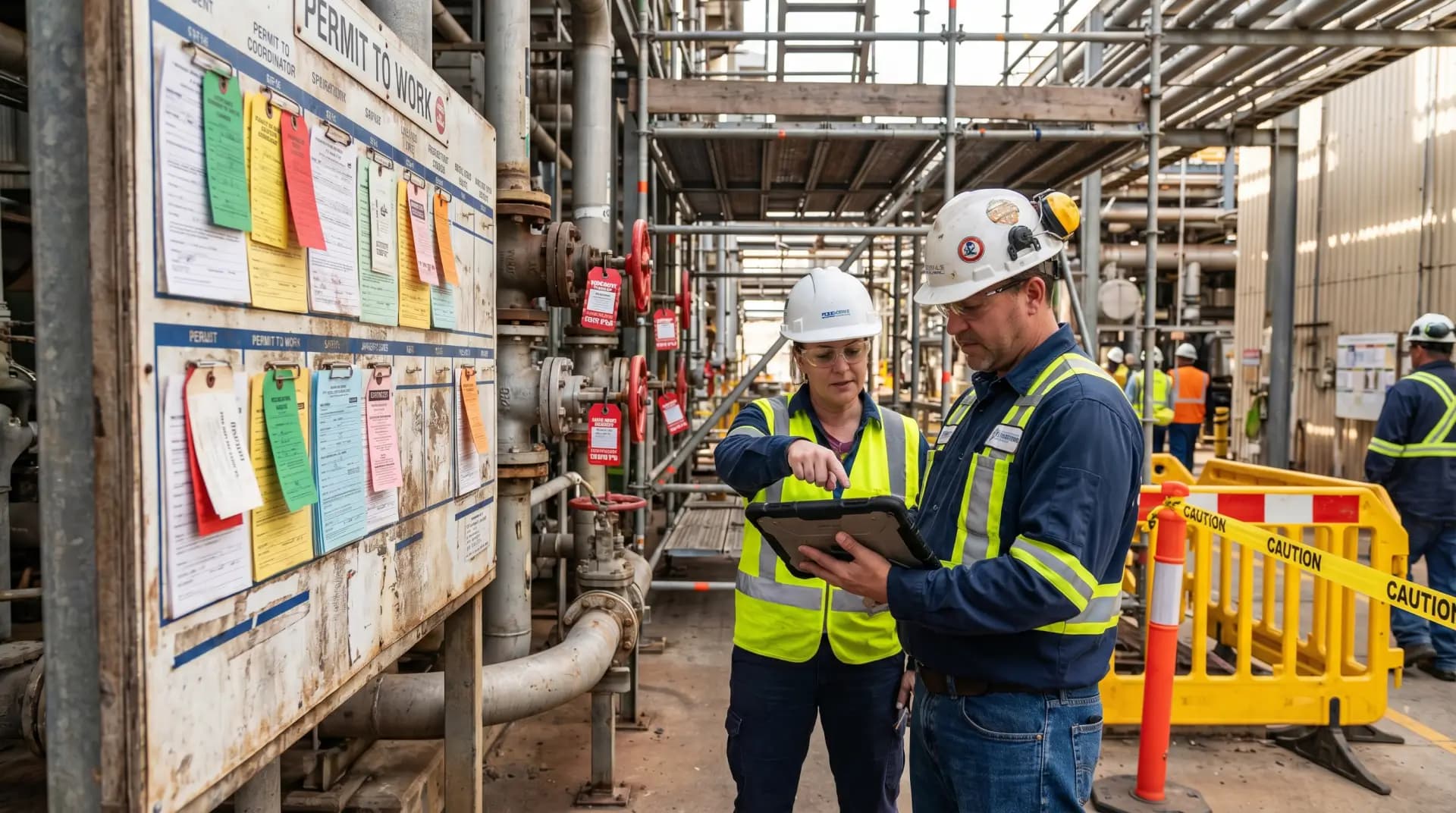
A digital Permit to Work system should be implemented as a controlled safety process first and a software project second. The goal is not to replace paper with screens; it is to make hazardous work authorization more reliable, traceable, consistent, and visible in real time.
In practice, a digital PTW system works well when it controls five things clearly: the work scope, the hazards, the required controls, the competent approvals, and the closeout evidence. If any of these are weak, the system may look modern but still carry the same field risk as a poor paper permit.
What a Digital Permit to Work System Must Achieve
A Permit to Work system is used to control non-routine, hazardous, or high-risk activities such as hot work, confined space entry, electrical work, excavation, lifting operations, work at height, breaking containment, line opening, and maintenance on energized or potentially energized equipment.
A digital Permit to Work system should strengthen the same fundamentals:
Confirm that the work is necessary and properly planned.
Identify job-specific hazards before work starts.
Define mandatory controls, precautions, isolations, tests, and PPE.
Ensure competent people review and authorize the work.
Prevent conflicting activities from taking place at the same time.
Record handovers, suspensions, extensions, cancellations, and closeout.
Provide an auditable record for inspections, investigations, and management review.
The most important point is simple: digital PTW should not make permits faster by removing safety checks. It should make permits faster by removing duplication, missing information, weak communication, and manual chasing.
HSE judgment note: A permit is not a replacement for a risk assessment, toolbox talk, isolation procedure, method statement, supervision, or field verification. It is the formal control point that connects these elements before hazardous work begins.
Build the Implementation Around Risk, Not Software Features
The first mistake I see in digital PTW projects is starting with vendor demonstrations instead of operational risk. The system may have attractive dashboards, mobile apps, QR codes, and automated emails, but those features only matter if they improve control of actual site hazards.
Before selecting or configuring software, define the risk scope. Ask:
Question | Why It Matters |
|---|---|
Which tasks require a permit? | Prevents over-permitting and under-permitting. |
Which permit types are safety-critical? | Helps prioritize hot work, confined space, energy isolation, excavation, lifting, and line breaking. |
Who can request, approve, issue, accept, suspend, and close permits? | Prevents role confusion and unauthorized approvals. |
Which controls are mandatory for each permit type? | Makes the system enforce minimum safety requirements. |
Which activities can conflict with each other? | Supports SIMOPS control and area coordination. |
What evidence must be captured? | Improves verification, auditability, and investigation quality. |
A good digital Permit to Work system should support operational discipline. It should not allow users to bypass essential controls just because a task is urgent.
Map the Existing Permit Process Before Digitization
Do not digitize a weak paper process as it is. First, map how permits actually move through the organization.
I recommend reviewing the full permit lifecycle:
Work request or job planning
Permit application
Hazard identification
Risk assessment link
Method statement or job plan review
Isolation planning
Gas testing or atmospheric monitoring where required
Area authority review
Operations approval
HSE review where required
Permit issue at site
Toolbox talk and work party acceptance
Field verification
Work monitoring
Permit suspension, extension, or shift handover
Closeout and return to normal operations
Record retention and audit
This mapping usually reveals practical weaknesses: duplicated forms, unclear approval levels, missing isolation records, generic hazard checklists, no link between permits in the same area, poor shift handover, and weak closeout discipline.
The digital system should correct these weaknesses before go-live.
Configure Permit Types, Roles, and Approval Rules
A digital PTW system needs clear structure. Overly simple workflows create risk. Overly complex workflows create frustration and workarounds. The balance comes from configuring the system according to permit risk.
Common Permit Types to Include
Most industrial and construction environments need separate or linked workflows for:
Hot work
Cold work
Confined space entry
Electrical work
Work at height
Excavation
Lifting operations
Breaking containment or line opening
Radiography or radiation work where applicable
Vehicle entry into restricted process areas
Critical maintenance or shutdown work
Energy isolation and lockout/tagout-linked work
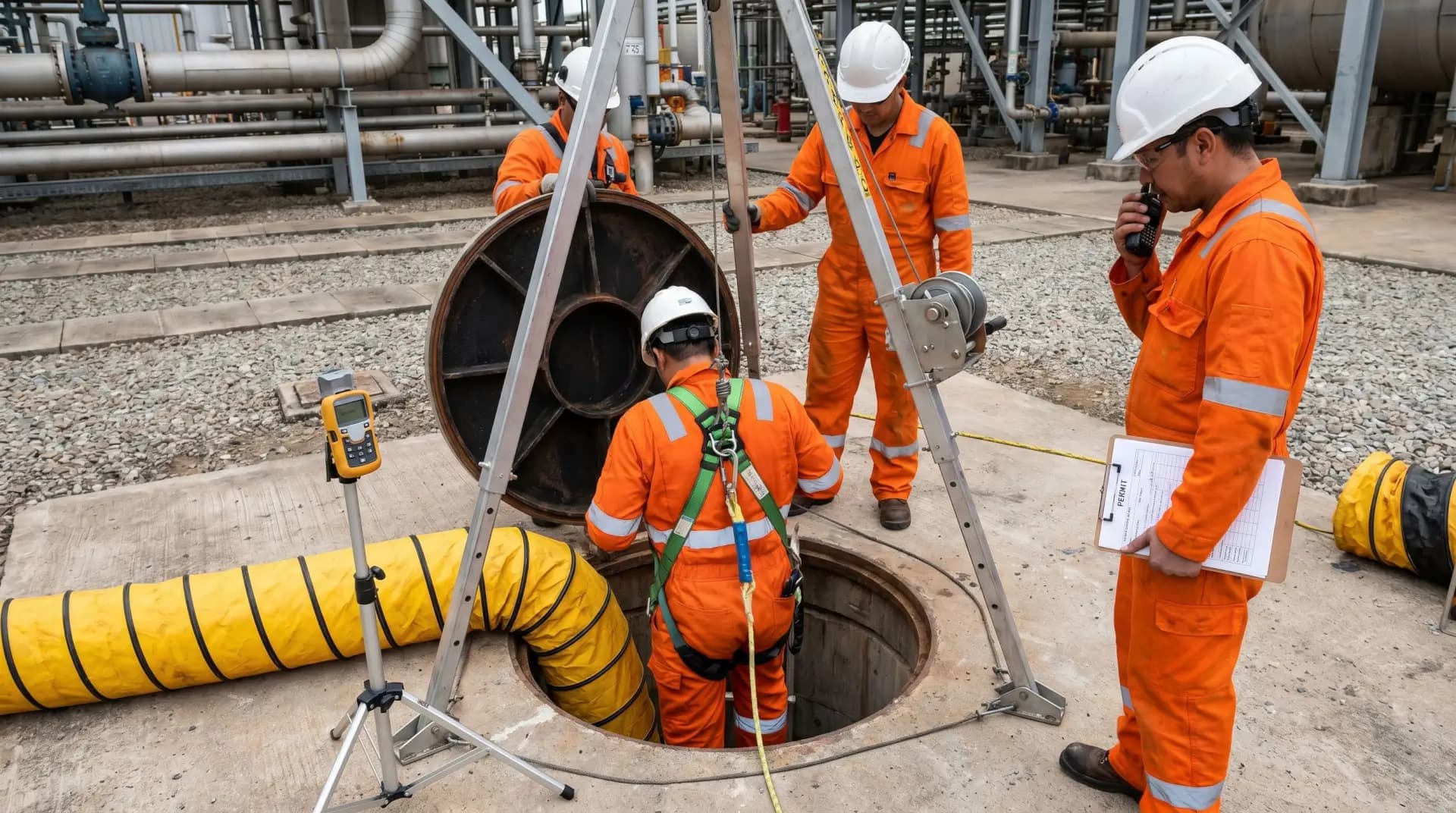
Each permit type should have specific mandatory fields. For example, a hot work permit should not have the same checklist as an excavation permit. A confined space permit should force review of entry conditions, atmospheric testing, rescue arrangements, attendant requirements, communication method, ventilation, isolation, and emergency response readiness.
Define Roles Clearly
Digital PTW role design is one of the most important implementation decisions.
Typical roles include:
Role | Main Responsibility |
|---|---|
Permit Applicant | Describes the job, location, scope, tools, manpower, and required support. |
Area Authority | Confirms the work can be safely performed in the area. |
Performing Authority | Accepts responsibility for executing the work under permit conditions. |
Issuing Authority | Reviews controls and formally issues the permit. |
Isolation Authority | Confirms energy isolation requirements and status. |
Gas Tester | Records atmospheric test results where required. |
HSE Reviewer | Reviews high-risk work or exceptions based on site rules. |
Approver or Controller | Authorizes critical permits, extensions, or SIMOPS decisions. |
Work Party | Acknowledges permit conditions and toolbox talk requirements. |
The system should prevent one person from approving everything without proper segregation of duties, especially for high-risk work.
Use Risk-Based Approval Levels
Not every permit needs the same approval path. A low-risk maintenance task should not move through the same chain as confined space entry or hot work in a hazardous area.
A practical approval structure may include:
Basic approval for routine low-risk permitted work
Additional area authority approval for work in operating units
HSE review for defined high-risk tasks
Senior authorization for critical lifts, confined space entry, live electrical work, or exceptional deviations
Permit controller review for simultaneous operations
This keeps the system efficient without weakening safety control.
Integrate Isolation, Gas Testing, SIMOPS, and Contractor Control
A digital Permit to Work system becomes much stronger when it connects related safety controls instead of operating as a standalone form.
Energy Isolation and Lockout/Tagout
For work involving hazardous energy, the PTW system should link directly to the isolation plan. This may include electrical, mechanical, hydraulic, pneumatic, chemical, thermal, gravity, or stored energy sources.
The system should show:
Isolation points
Lock numbers or isolation references
Verification steps
Person responsible for isolation
Isolation status
De-isolation approval
Return-to-service confirmation
The permit should not be issued until required isolations are confirmed and verified.
Gas Testing and Atmospheric Monitoring
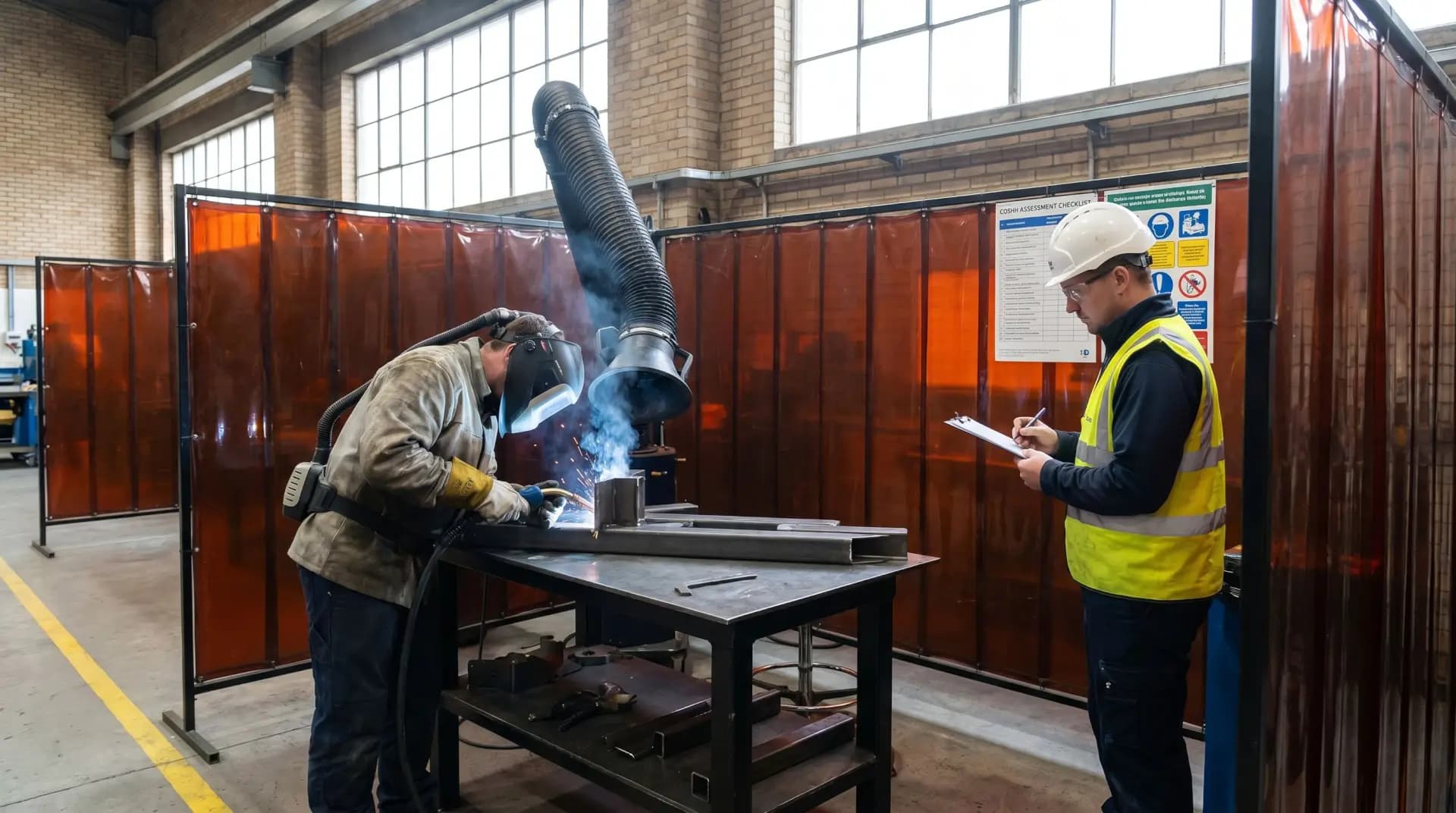
For confined spaces, hot work in controlled areas, or any job where flammable, toxic, or oxygen-deficient atmospheres may exist, gas testing must be controlled tightly.
A digital system should capture:
Gas tester name and competency status
Date and time of test
Location of test
Test results
Instrument identification where required
Retest frequency
Continuous monitoring requirements
Actions if readings change
The system should prevent work from continuing when required retesting is overdue.
SIMOPS Control
Simultaneous operations are a common source of permit failure. Two individually safe jobs can become unsafe when performed together.
For example:
Hot work near solvent handling
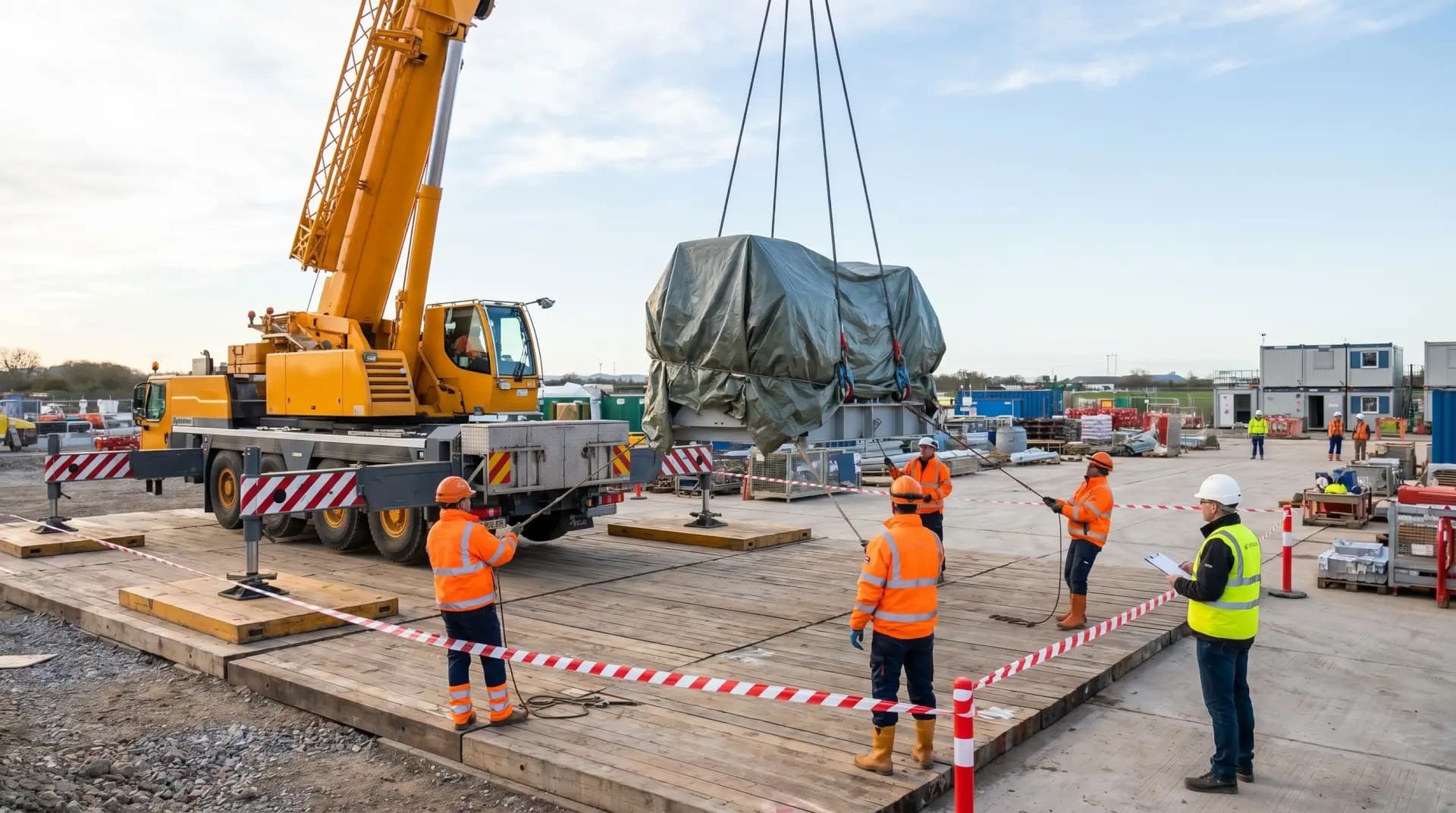
Lifting over an active work crew
Excavation near underground services
Confined space entry during nearby process maintenance
Line breaking during startup or commissioning
Electrical testing during mechanical work
A digital PTW system should provide an area-based permit board, conflict alerts, plot plan view, or dashboard showing active permits by location. The permit controller or area authority should be able to identify clashes before work starts.
Contractor Management
Contractors must not be treated as external users with weaker controls. The system should verify that contractor personnel meet site requirements before they are added to permits.
This may include:
Induction status
Trade competency
Medical or fitness requirements where legally applicable
Task-specific training
Equipment certification
Supervisor authorization
Method statement approval
Insurance or contractual HSE requirements where applicable
Compliance note: Legal requirements for permit-controlled work vary by jurisdiction. For example, the United States has specific OSHA requirements for permit-required confined spaces, control of hazardous energy, and hot work fire prevention. The United Kingdom HSE provides recognized guidance on permit-to-work systems, especially for major hazard industries. ISO 45001 also expects organizations to plan and control operations, manage change, coordinate contractors, and reduce occupational health and safety risks. A digital PTW system should be configured to meet the legal duties that apply in the country and sector where it is used.
Pilot the System Before Full Rollout
A digital Permit to Work system should not go live across an entire facility without a controlled pilot. The pilot reveals practical problems that office-based configuration often misses.
Select one area with enough permit activity to test the system properly. Include different permit types, contractors, shift handovers, isolation requirements, gas testing, and permit closeout.
During the pilot, check:
Are workers able to use the system in field conditions?
Does the system work on tablets or mobile devices where needed?
Is offline access required?
Are approval notifications reliable?
Are permit conditions clear to the work party?
Are checklists too generic or too long?
Are high-risk controls mandatory?
Can users attach photos, drawings, isolation certificates, and gas test records?
Is the permit board visible to operations and HSE?
Are supervisors still going to the job site, or relying only on the screen?
The pilot should be treated as a safety validation exercise, not just a user acceptance test.
Train People on the Process, Not Only the Software
Training often fails when it focuses only on which button to click. Users also need to understand the safety logic behind the system.
Training should be role-based:
User Group | Training Focus |
|---|---|
Permit Applicants | Work scope, hazard details, attachments, permit type selection. |
Issuing Authorities | Field verification, approval logic, control review, permit conditions. |
Area Authorities | SIMOPS, operational conflicts, area readiness. |
Performing Authorities | Work party briefing, permit acceptance, control compliance. |
Gas Testers | Result entry, retest timing, abnormal readings. |
Isolation Authorities | Isolation planning, verification, status control. |
Contractors | Access, responsibilities, permit acceptance, closeout discipline. |
HSE Team | Audit, trend analysis, exception review, coaching. |
Management | Dashboards, overdue permits, high-risk work visibility. |
A strong rollout includes classroom sessions, field demonstrations, mock permits, permit audits, and coaching during the first weeks of use.
Practical warning: When users do not understand why a control exists, they will eventually treat the system as administration. When they understand the risk behind the control, digital PTW becomes part of safe work planning.
Control Go-Live and Prevent Workarounds
Go-live should be controlled carefully. The organization should define whether paper permits will stop immediately or run in parallel for a short transition period. Long parallel use is usually risky because it creates two sources of truth.
Before go-live, confirm that:
Permit types are approved.
Roles and user access are correct.
Approval workflows are tested.
Mandatory controls are locked.
Emergency permit arrangements are defined.
Offline or system outage procedures are available.
Contractors have access where required.
Records retention requirements are clear.
Dashboards are ready for supervisors and management.
The site has a clear rule on when work must stop.
A digital system can fail if people create informal shortcuts. Common workarounds include using another person’s login, approving without field checks, uploading old photos, copying previous permits without reviewing hazards, leaving permits open after work is complete, or using generic descriptions such as “maintenance work.”
These behaviors must be corrected early.
Audit and Improve the Digital PTW System
Implementation does not end at go-live. The system should be audited regularly to confirm that it is controlling risk in practice.
Useful audit checks include:
Permit scope matches actual work.
Hazards are job-specific, not generic.
Required controls are physically in place.
Isolation status matches field conditions.
Gas test records are current.
Work party understands permit conditions.
SIMOPS conflicts are reviewed.
Permit extensions are justified.
Suspended permits are controlled.
Closed permits include proper completion evidence.
Lessons from incidents and near misses are reflected in the workflow.
Digital systems make trend analysis easier. HSE teams can review overdue permits, repeated extensions, rejected permits, high-risk work frequency, recurring control failures, permit violations, and areas with heavy simultaneous activity.
The aim is not to produce more data. The aim is to find weak signals before they become incidents.
Conclusion
Implementing a digital Permit to Work system is a major HSE improvement when it is built around risk control, competent authorization, field verification, and operational discipline. It should make hazardous work easier to manage without making safety controls easier to bypass.
The best systems are not the ones with the most features. They are the ones that make the right action the normal action: clear scope, verified hazards, mandatory controls, competent approval, live coordination, disciplined closeout, and continuous review.
As an HSE professional, my position is firm: digitization should never dilute the seriousness of permit-controlled work. A digital PTW system must strengthen the permit conversation at the job site, not replace it with screen-based approval. When implemented properly, it improves visibility, accountability, compliance, and decision-making where it matters most — before hazardous work begins.



Responses